
Creating your account
Set up your salon account so you can start ordering.
BellamontePro is a wholesale platform for licensed beauty professionals. Every account is verified by hand before it's activated, so the sign-up has a few more steps than a regular online store.
Open the application page. Visit bellamontepro.com and click Apply for a wholesale account in the top nav.

marketing homepage, top nav with the Sign In and Apply links highlighted Fill in your name and salon. Enter your first and last name, your business or salon name, and your professional role (salon owner, stylist, esthetician, and so on).
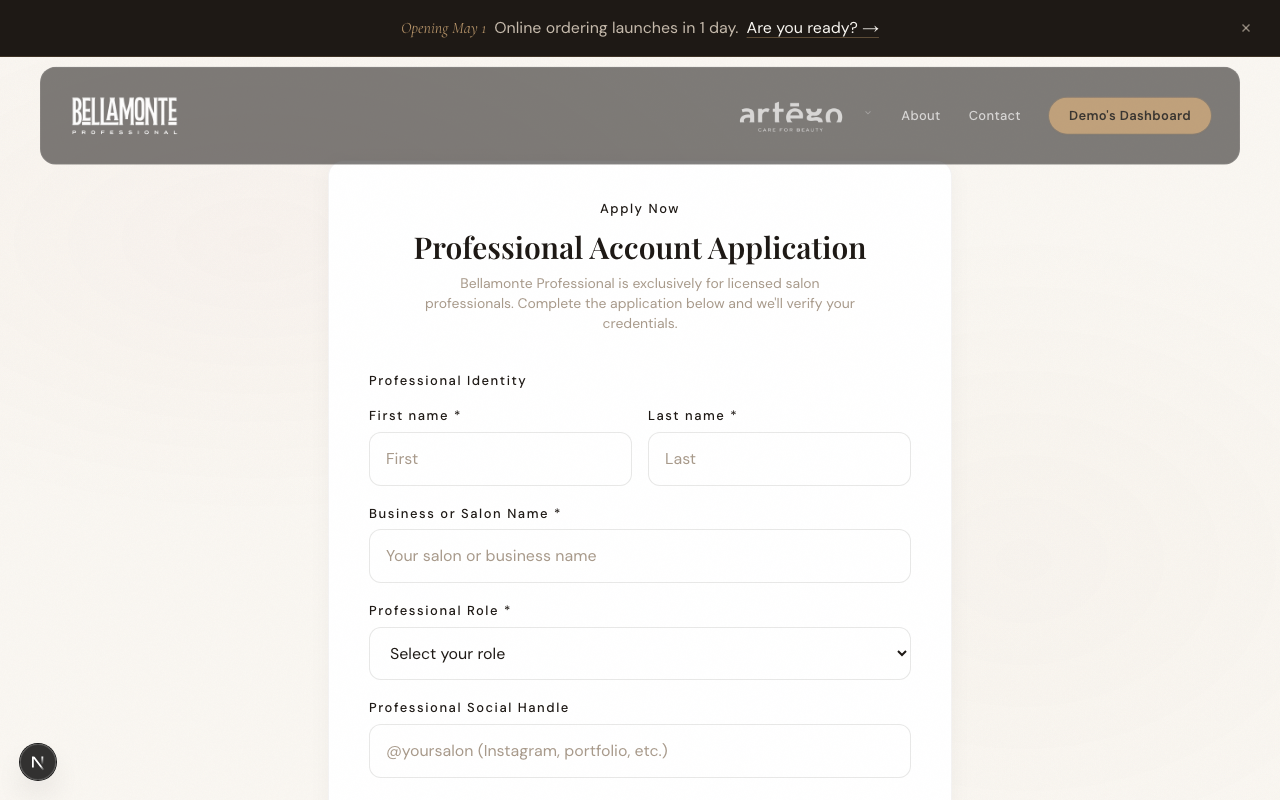
registration form, Professional Identity section Add your license details. Enter your professional license number, the state it was issued in, and the expiration date. Upload a photo or PDF of the license itself. Most files are accepted up to 10MB.
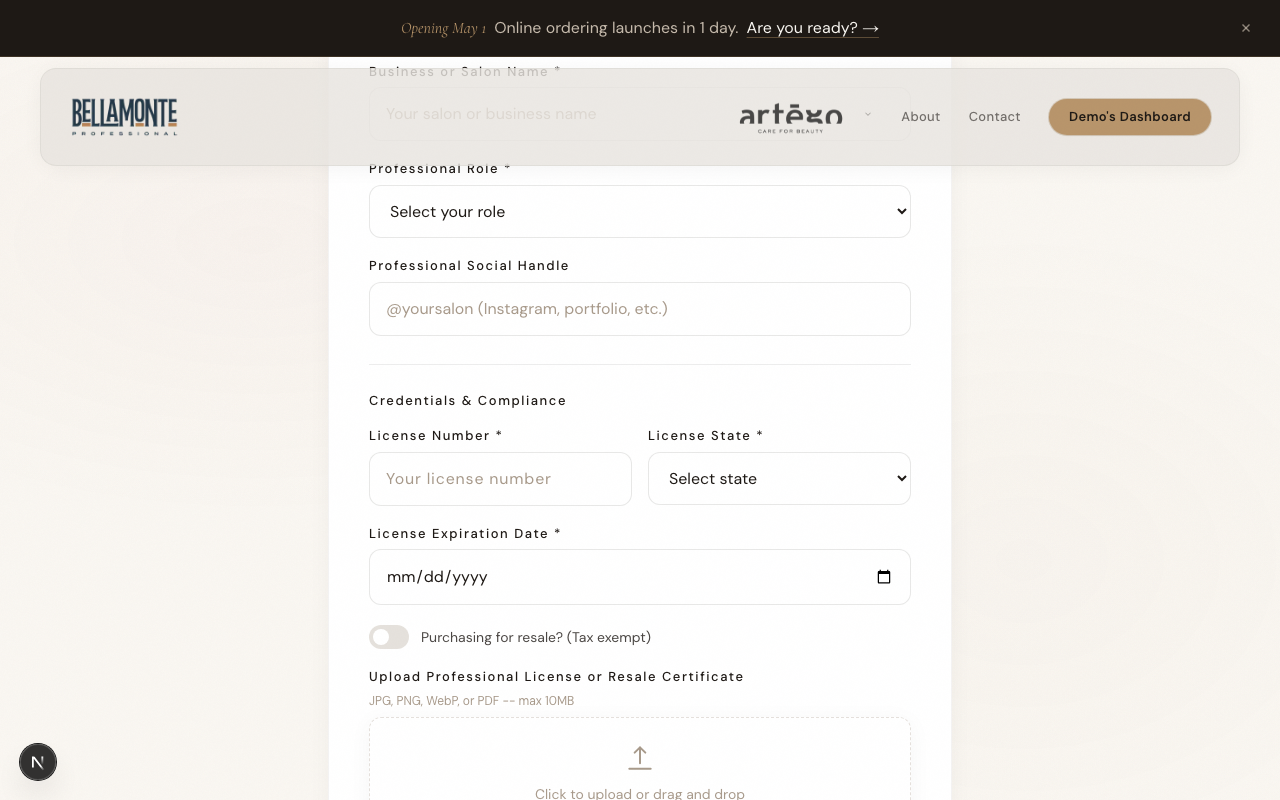
registration form, Credentials and Compliance section with file upload Tip: A clear phone photo of your license is fine. We just need to see the name, license number, and state.
Add your contact and shipping details. We need your email, phone, and the address products will ship to. Multi-location owners can add more addresses later from your account.
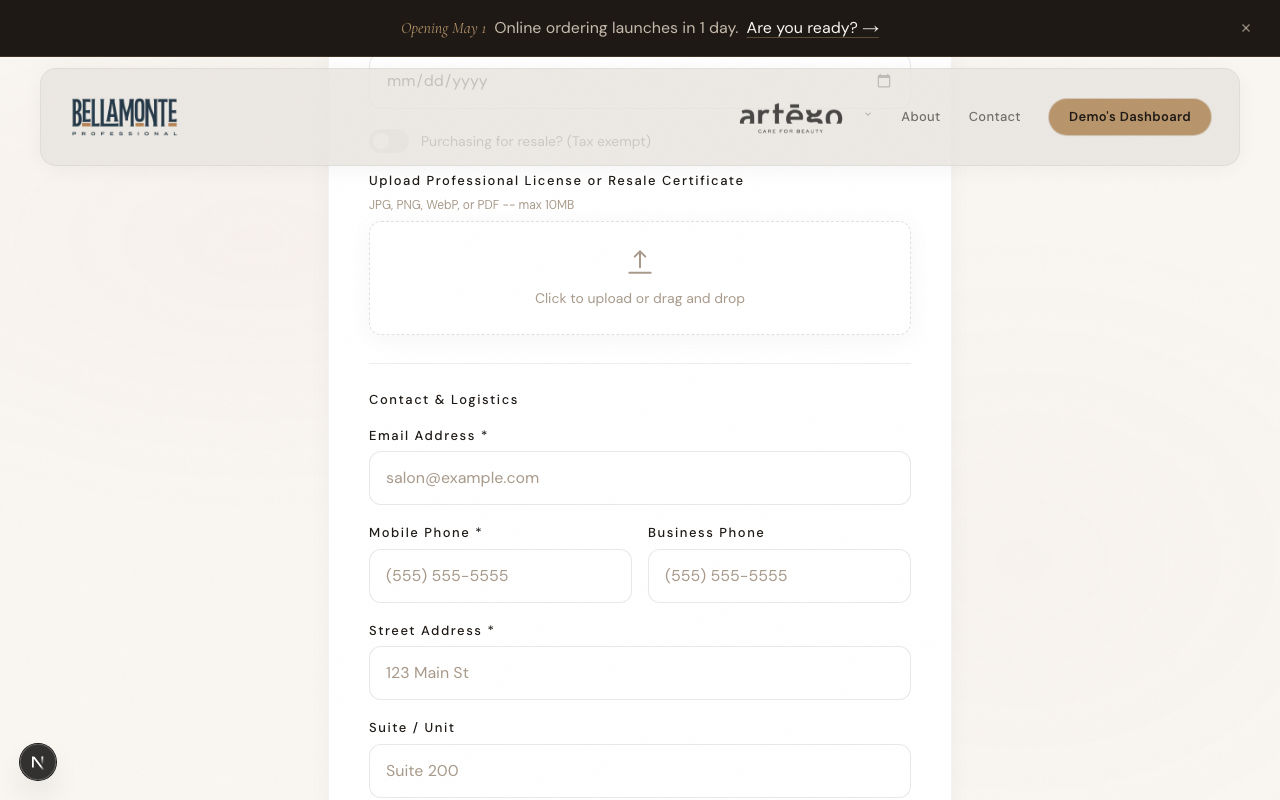
registration form, Contact and Logistics section Tell us about your work. Pick the color lines you currently use and the areas you're most interested in (color, education, retail, coaching). This helps your sales rep prepare the right starter mix.
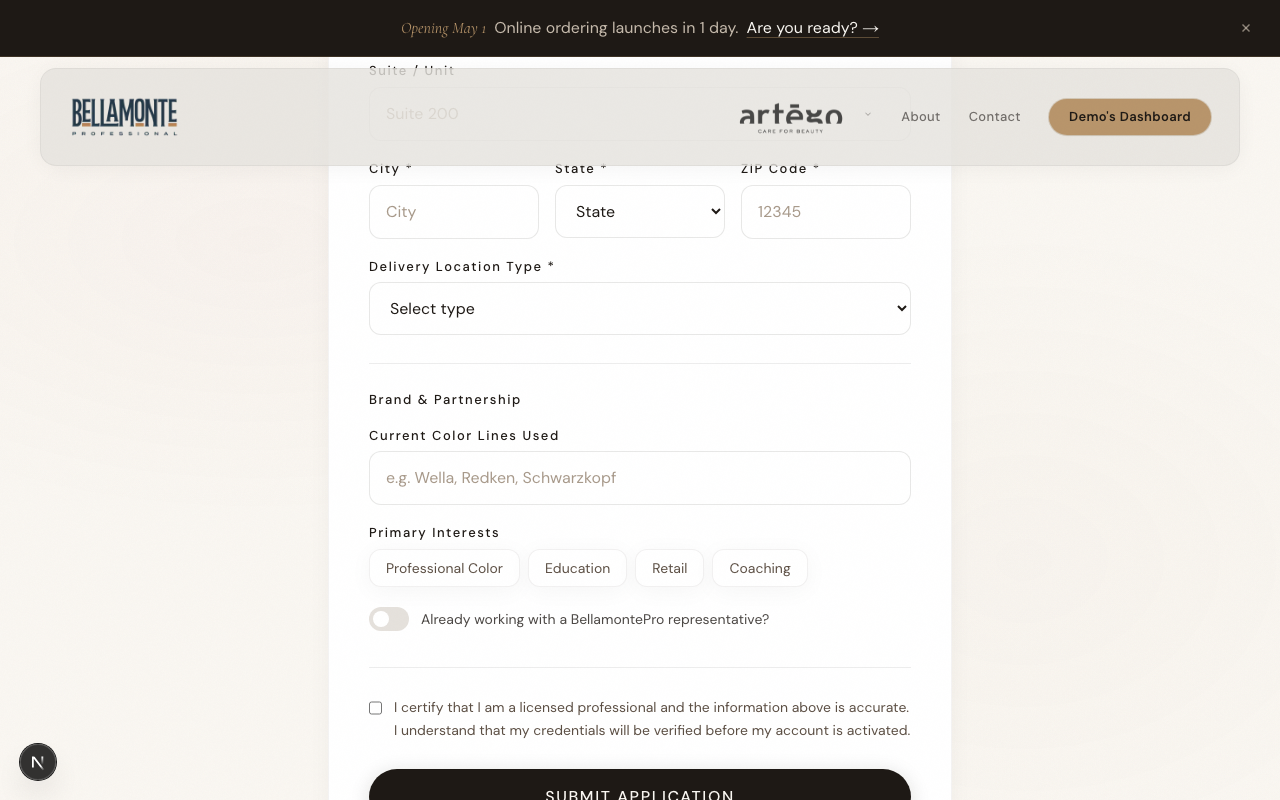
registration form, Brand and Partnership section with interest pills Submit the application. Check the consent box that confirms you're a licensed professional, then click Submit Application. You'll see a confirmation page right away.
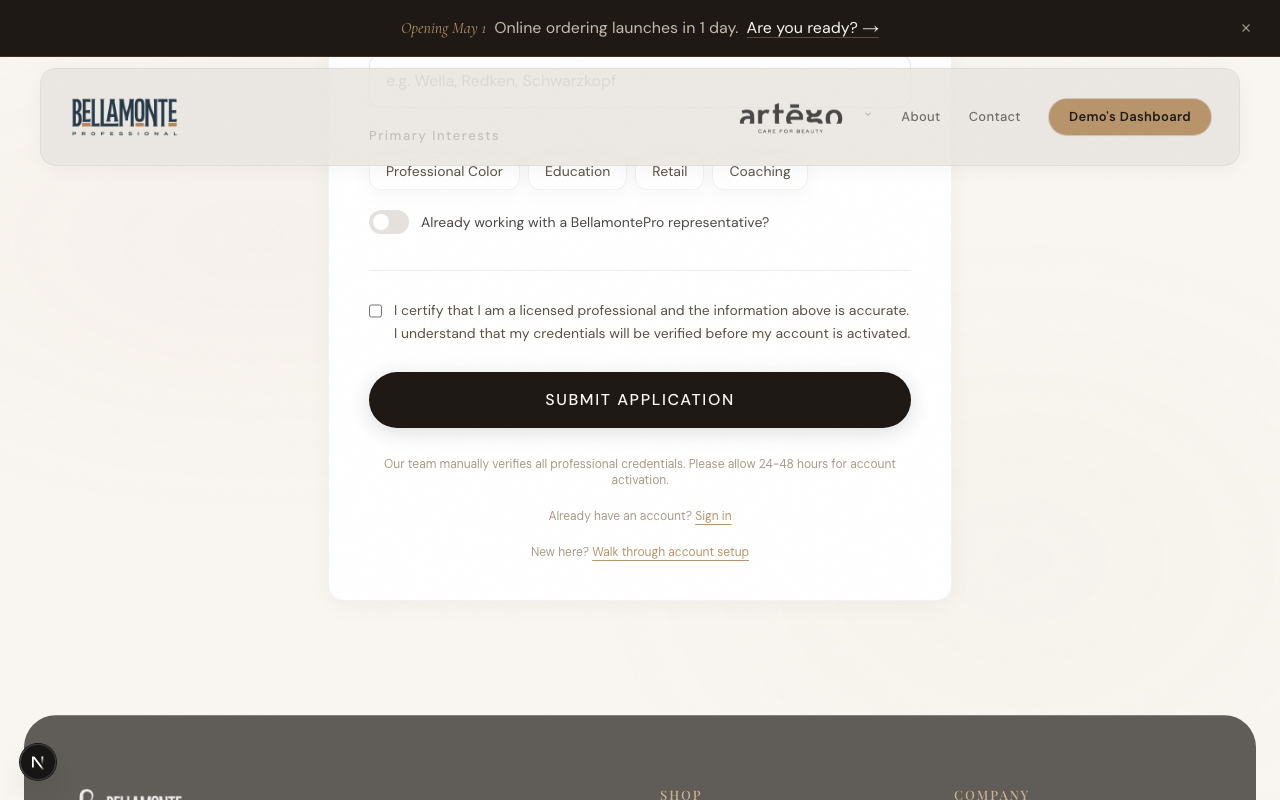
registration form bottom with consent checkbox and submit button Heads up: Approval usually takes 24 to 48 business hours. We email you the moment your account is active.
Watch for the approval email. Once your credentials are verified you'll get an email confirming you're activated. From then on, signing in is passwordless: go to bellamontepro.com, click Sign In, enter your business email, and Shopify emails you a one-time code. No password to set, no password to remember. [Screenshot: example approval email in an inbox]